Organizational wallets
An organizational wallet is a wallet that belongs to your organization rather than to a person. With the Hovi Connect API's Organizational Wallet endpoints, your organization can receive credentials, keep them, share proofs and manage what it holds, just as a person does with a phone wallet.
Organizational wallets are available for EU Digital Identity, cheqd and Indicio.
Before you start
Make sure you have:
- An API key for your ecosystem.
- An organization set up in that ecosystem. Its ID goes in the
x-organization-idheader, and the wallet you use is that organization's wallet.
The steps below use the interactive API Reference, where you can try each request in your browser.
Steps
Choose your ecosystem. Hovi remembers your choice on other pages.
 EU Digital Identity
 cheqd
 Indicio
EU Digital IdentityThe EU Digital Identity organizational wallet uses EU Digital Identity standards to receive and present credentials. This example accepts a credential offer into it.
- Open the API Reference and select the EU Digital Identity Ecosystem API under Hovi Connect API.
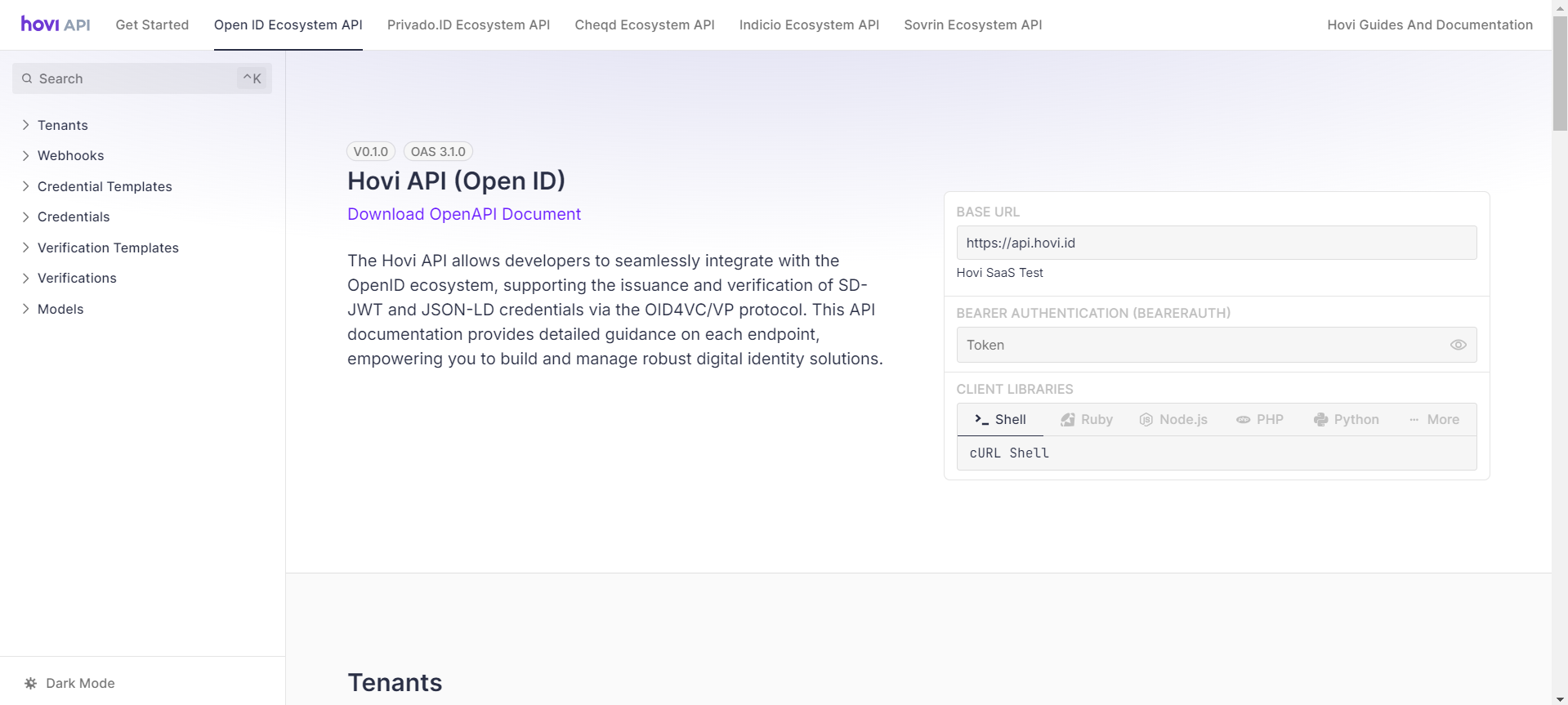
- Go to the Organizational Wallet section.

- Open POST - Accept Credential Offer and click Test Request.

- Enter your API key as a Bearer Token, fill in the body parameters and click Send. If it succeeds, the credential is stored in your organizational wallet.

The Organizational Wallet endpoints can also preview offers, list and delete stored credentials, and preview and answer verification requests; see the Organizational Wallet endpoints.
cheqdThe cheqd organizational wallet exchanges credentials and proofs over DIDComm, so credentials arrive over a connection. This example accepts a connection invitation into it.
- Open the API Reference and select the cheqd Ecosystem API under Hovi Connect API.

- Go to the Organizational Wallet section.
- Open POST - Accept Connection Invitation and click Test Request.

- Enter your API key as a Bearer Token, fill in the body parameters and click Send.

The Organizational Wallet endpoints can also list, preview, accept and decline credential offers, list and delete stored credentials, and preview, answer and decline verification requests; see the Organizational Wallet endpoints.
IndicioThe Indicio organizational wallet exchanges credentials and proofs over DIDComm. This example accepts a credential offer into it.
- Open the API Reference and select the Indicio Ecosystem API under Hovi Connect API.

- Go to the Organizational Wallet section.

- Open POST - Accept Credential Offer and click Test Request.

- Enter your API key as a Bearer Token, fill in the body parameters and click Send. If it succeeds, the credential is stored in your organizational wallet.

The Organizational Wallet endpoints can also list, preview, accept and decline credential offers, list and delete stored credentials, and preview, answer and decline verification requests; see the Organizational Wallet endpoints.
What happens next
Your organization can now hold credentials and share them when another organization asks to check them. To hold credentials on behalf of your users instead, see the Cloud Wallet API.